Give your website a voice
Give visitors a voice agent that follows your workflow. Collect feedback, qualify leads, or guide people through your software, right on your website.
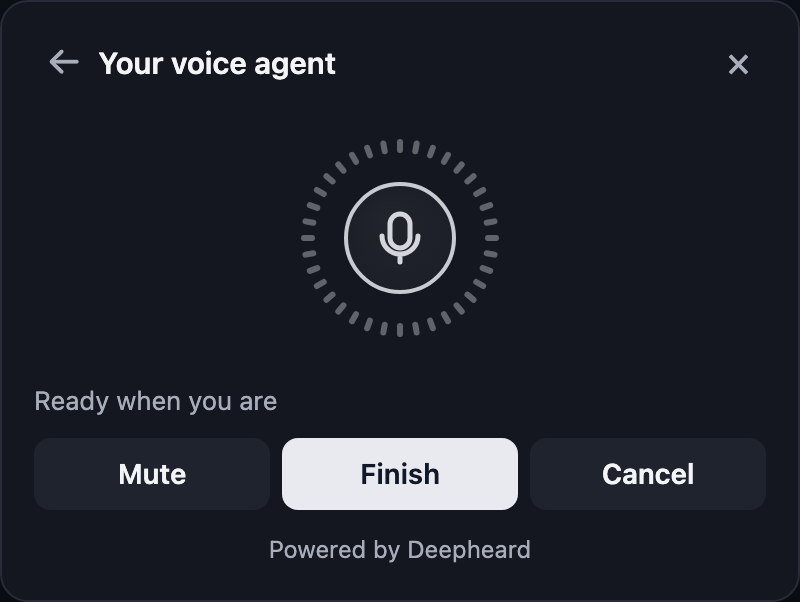
What could your website do with a voice?
Meet visitors where they are, with a conversation built for the moment.
Customer feedback
Understand the bug, the suggestion, and the reason behind it. Give customers room to explain.
Explore this use case Start the right conversationLead qualification
Learn what a prospect needs before the first call. Collect contact details and a useful project brief.
Explore this use case Help people get startedOnboarding and training
Guide users through your software with an agent that explains the steps and answers from your instructions.
Explore this use caseHow it works
Configure your agent, add it to your website, and learn from every conversation.
- 1
Configure your agent
Describe the job in plain words: what to ask, what information to collect, and how the conversation should end.
Build a workflow around it. Combine menus, generated forms and voice or written conversations, with different instructions for each project.
- 2
Add it to your website
Paste one script tag into your site. Match your colours and open the widget from its floating button or a button of your own.
- 3
Review and act on results
Visitors talk or type, then review the written summary before submitting it.
Read submissions in your dashboard with contact details and page context. Use feedback to prioritize improvements, follow up with qualified leads, or see where users need guidance. Your team takes the next step.
Try a conversation on this website.
Pricing
Deepheard is paid-only: Solo includes voice and any number of projects, in a monthly subscription cancelled from the billing portal whenever you like. You subscribe before setting up your agent.
Solo
$50 USD/month + applicable tax
- Any number of projects
- One seat
- AI credit includedShared across your projects. If it runs out, visitors can still use written forms until your next renewal. Unused credit doesn't carry over.
- Forms, choices and written questions wherever your instructions ask for them
- The dashboard, with every item to read
- Coming soon
Team
$200 USD/month + applicable tax
- Ten seats
- Shared access to the account's projects
- More AI credit
- Project limits and credit details to be announced